
Home Cleaning Service

Why Choose bTaskee's Home Cleaning Services?

Save Time
Enjoy the convenience of booking instant home cleaning services. It takes just 30 seconds through the app, and a Tasker will confirm your order within 60 minutes.

Safe & Trustworthy
Our team undergoes a rigorous selection process, identity verification, and background checks to ensure your home’s safety is fully protected.

High-Quality Service
All Taskers are skilled professionals who undergo regular training. We uphold the highest standards in home cleaning to deliver consistently satisfying results.

Responsive Support
Our Customer Support team is ready to assist you anytime via WhatsApp, phone, or email regarding bTaskee’s home cleaning services.
Scope of bTaskee's Home Cleaning Services
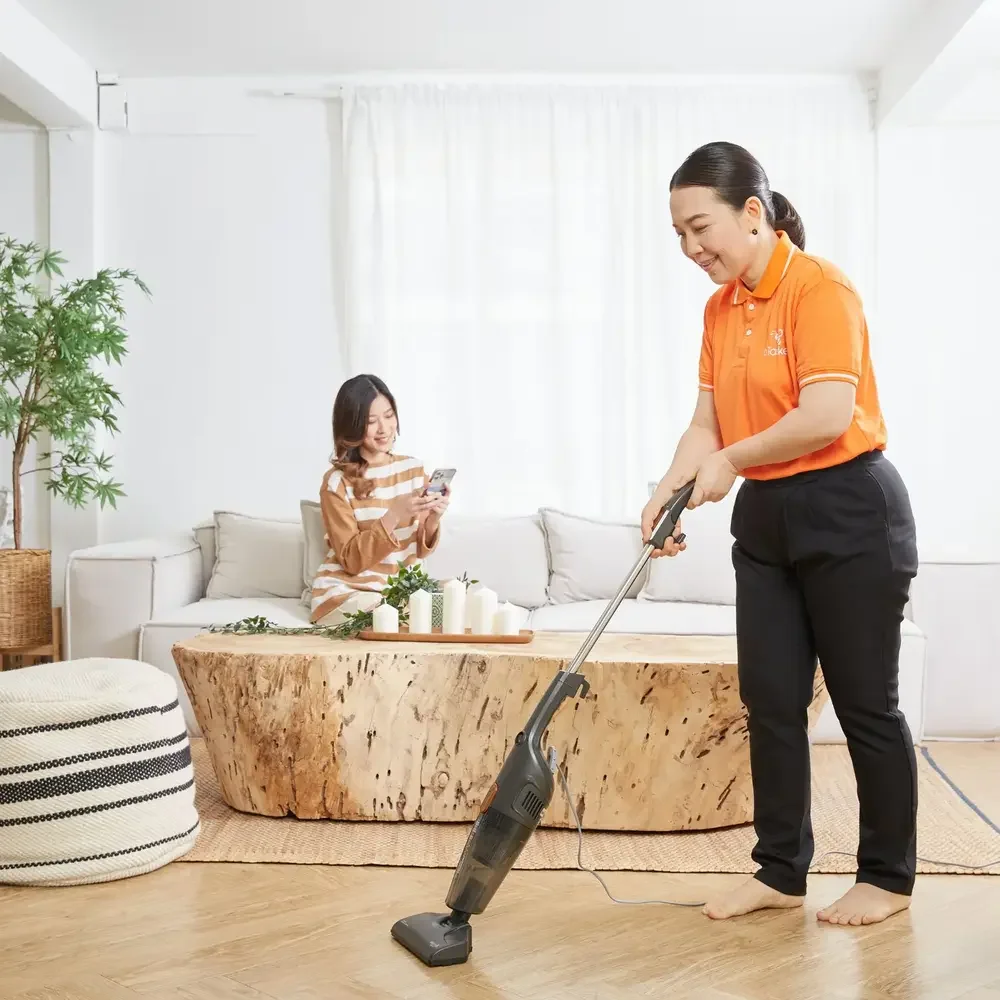
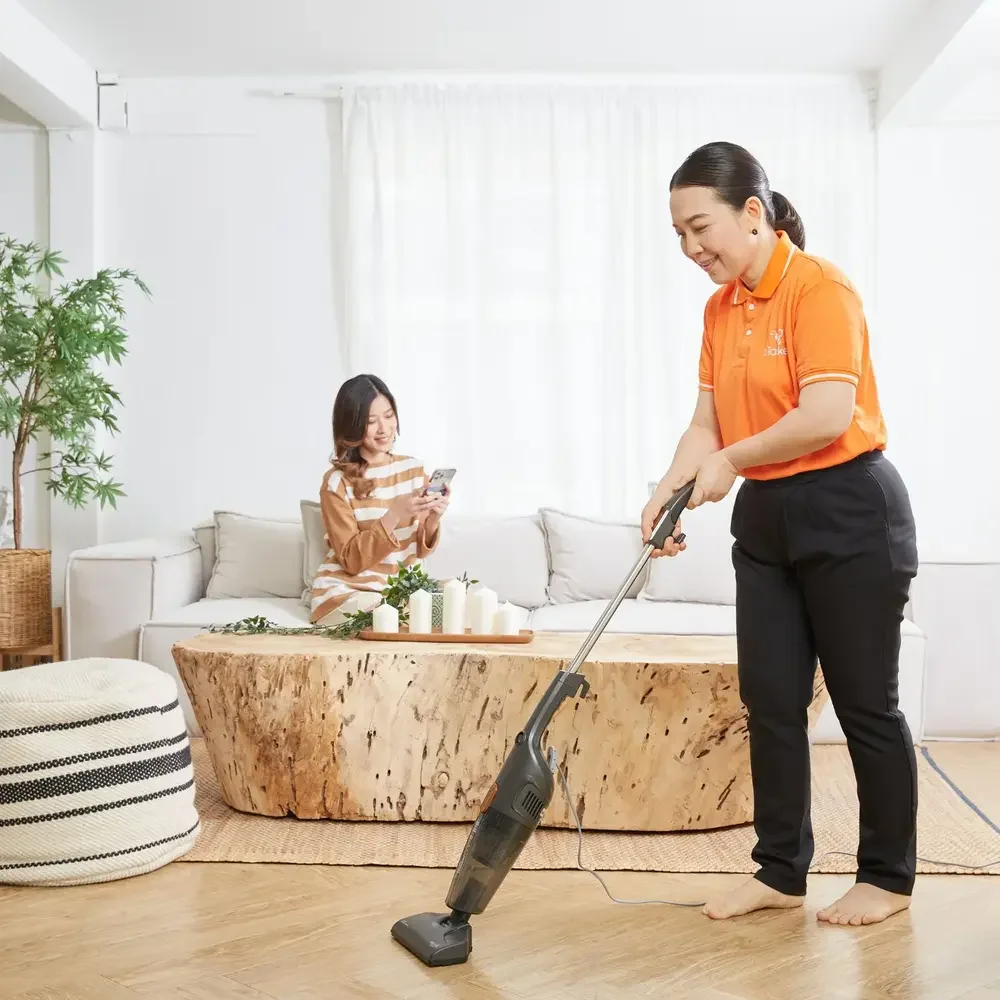
Living Room
- Wipe all surfaces
- Clean switches and handles
- Take out the trash
- Sweep and mop the floor
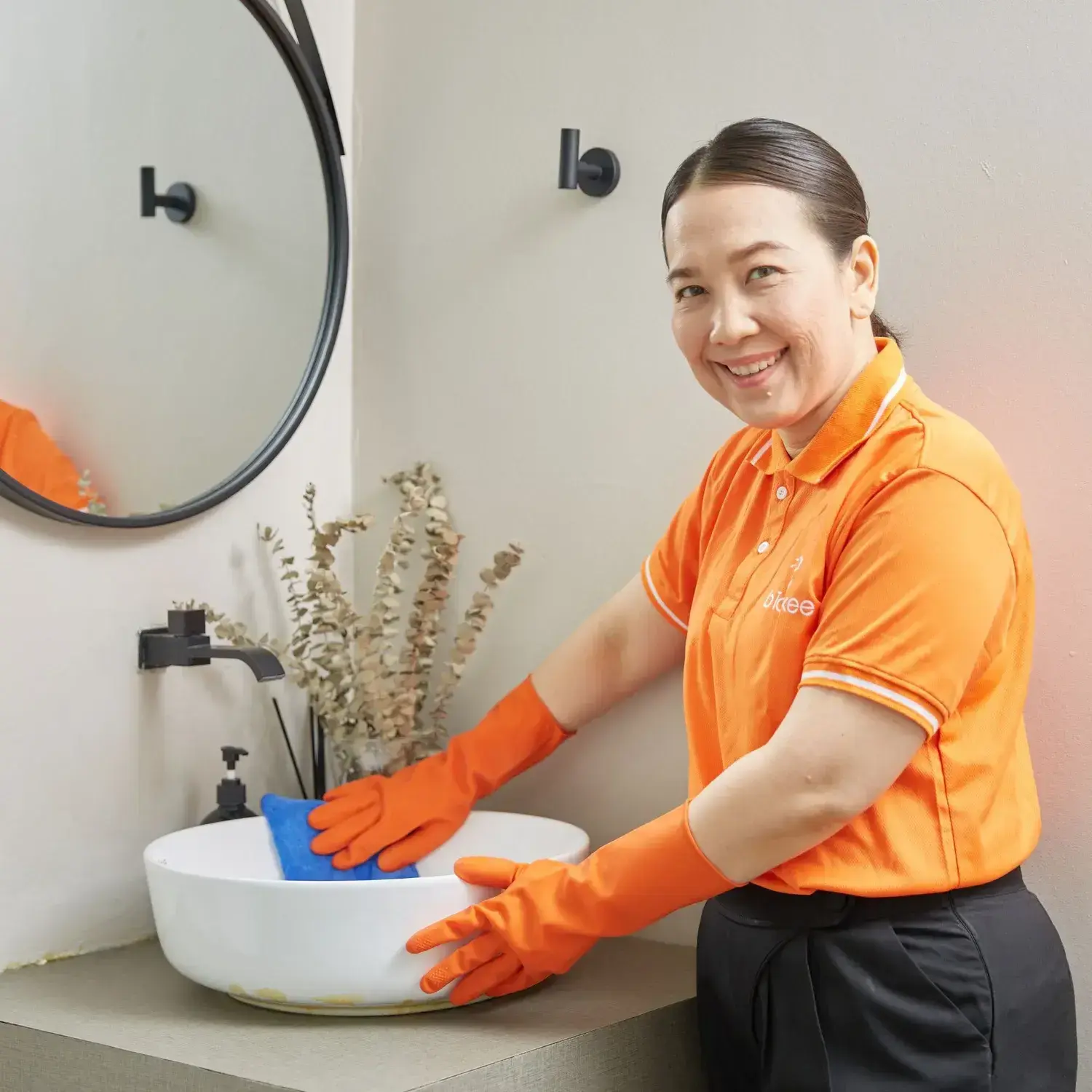
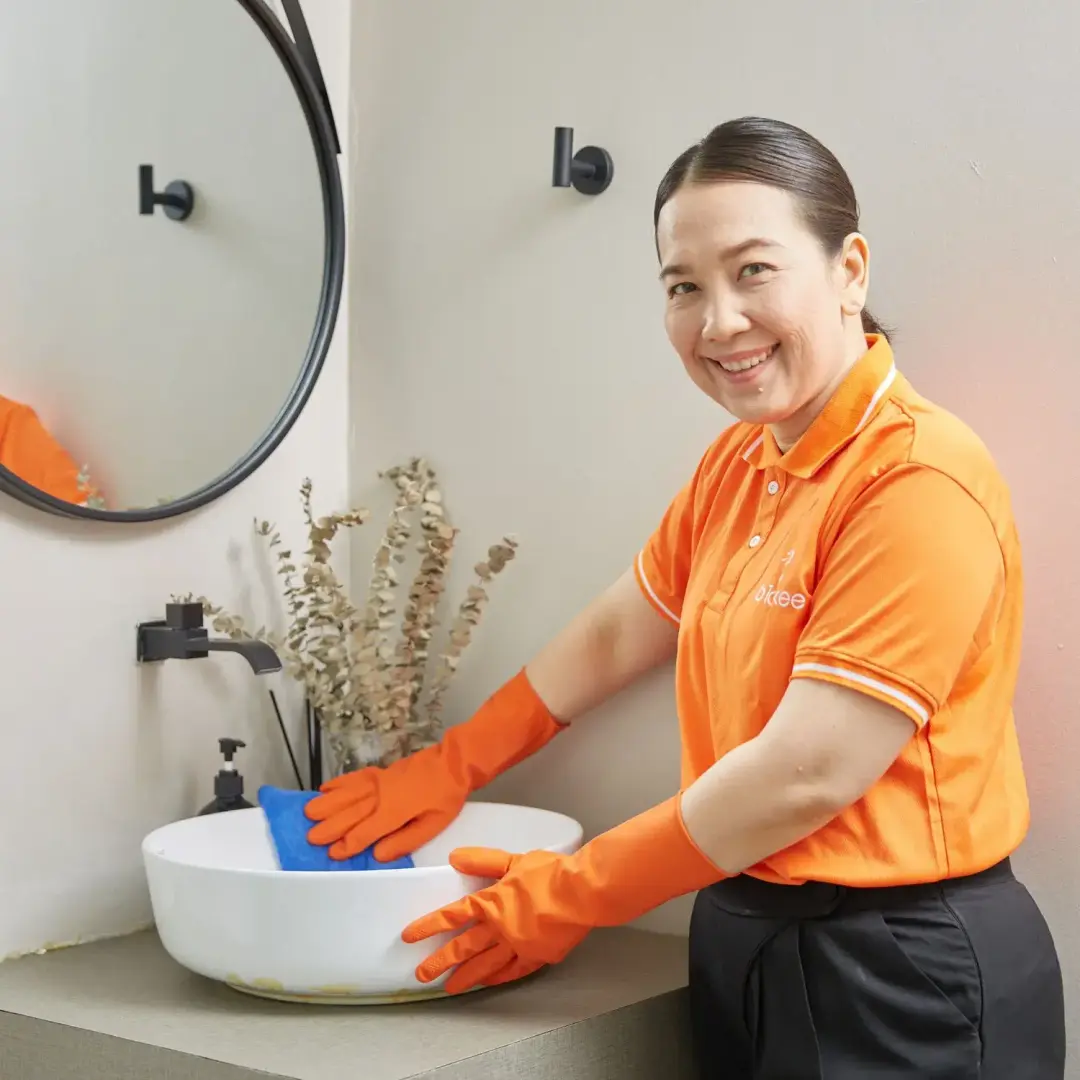
Bathroom
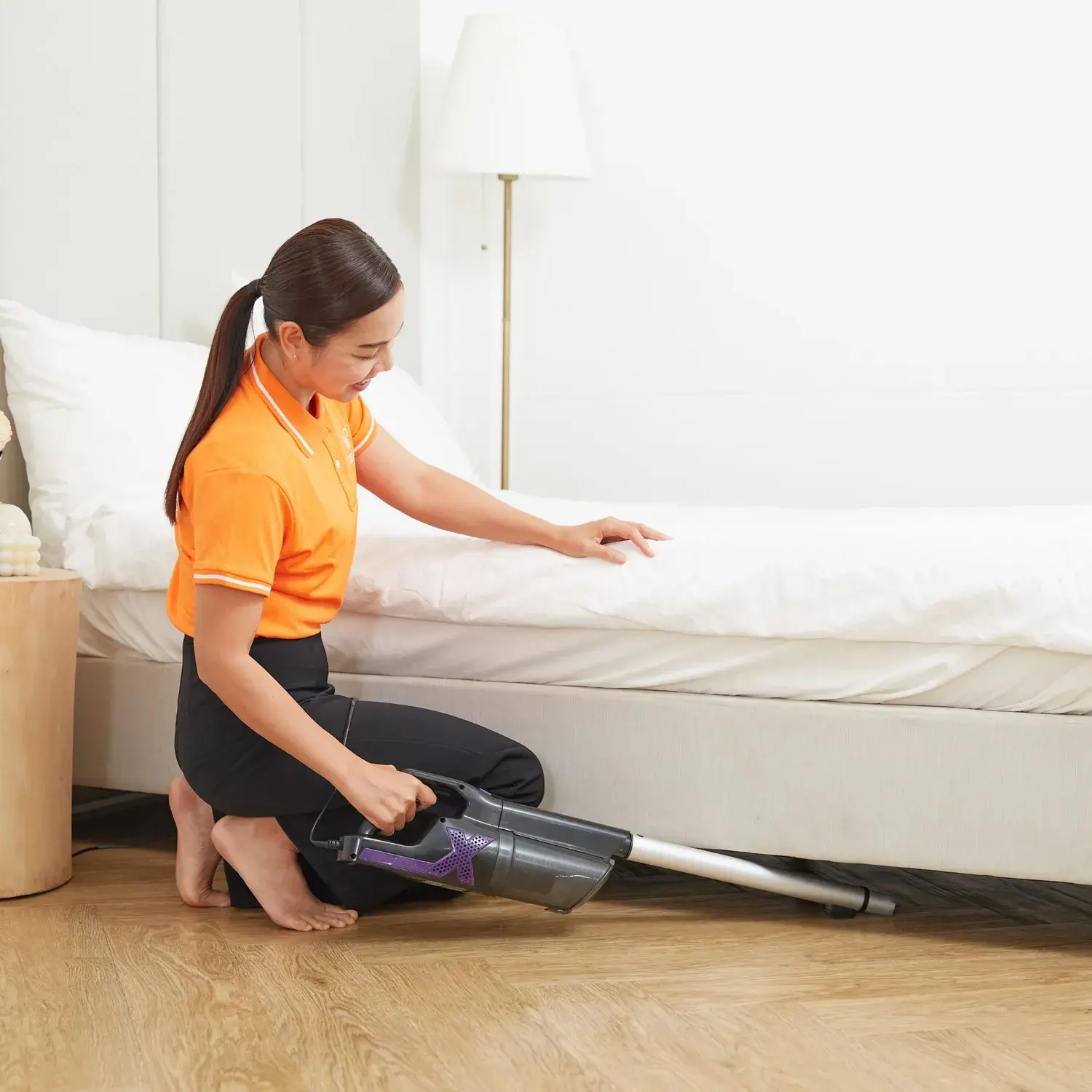
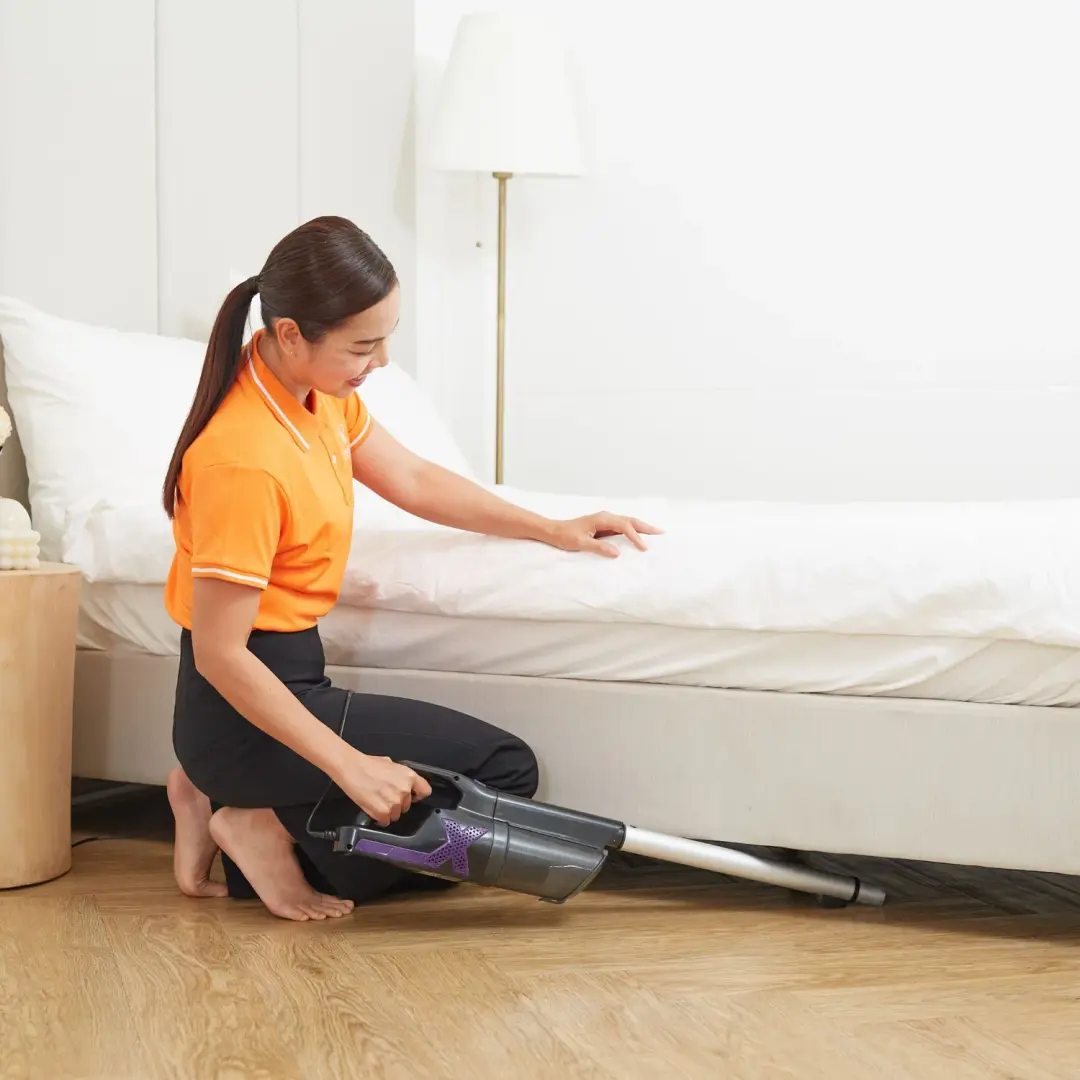
Bedroom
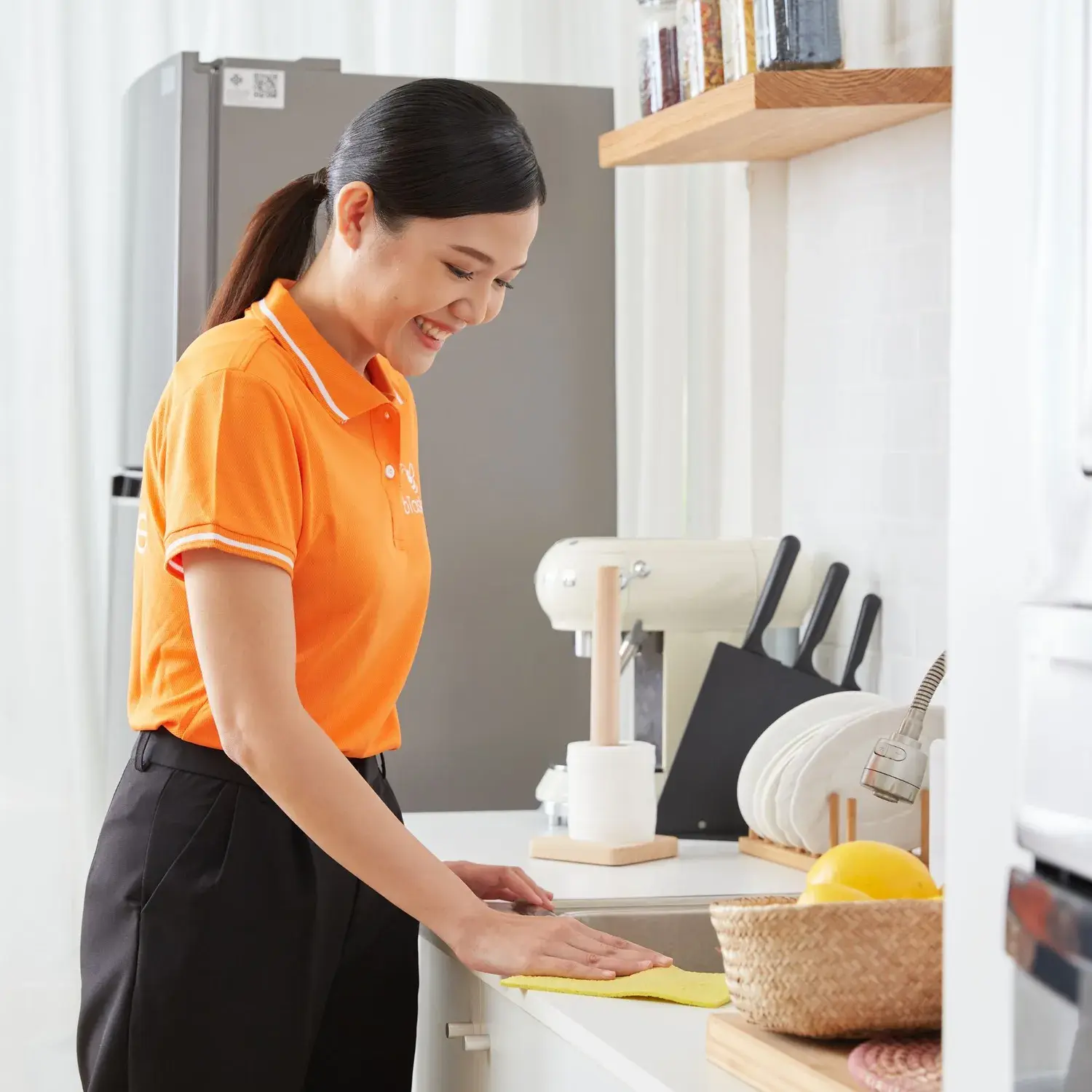
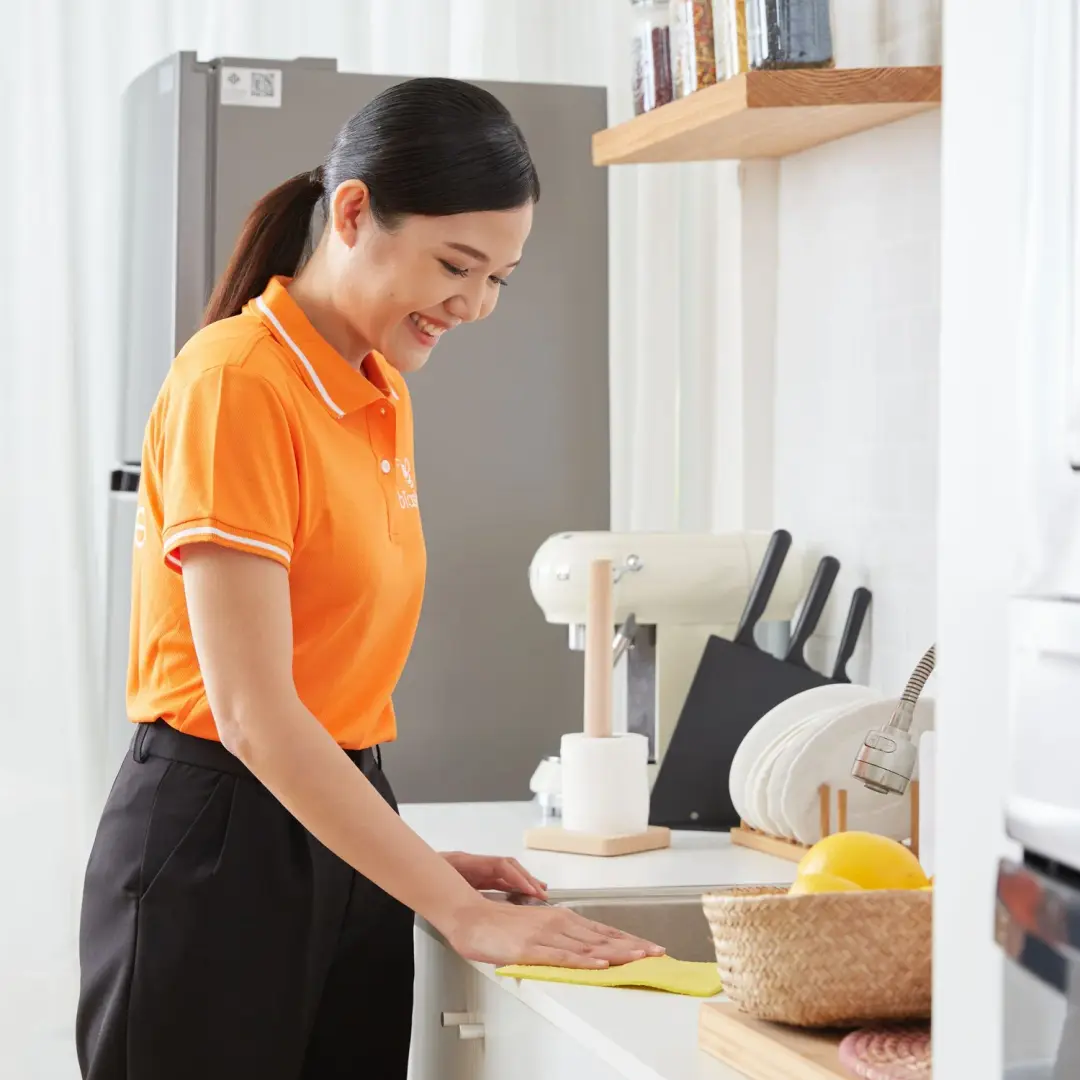
Kitchen
Enjoy Our Premium Service
Top-Rated Taskers (4.8+)
Premium Cleaning Solutions
Focus on Details & Hard-to-Reach Areas
Standardized Maximum Cleanliness


Home Cleaning Service Price List
IDR144,000

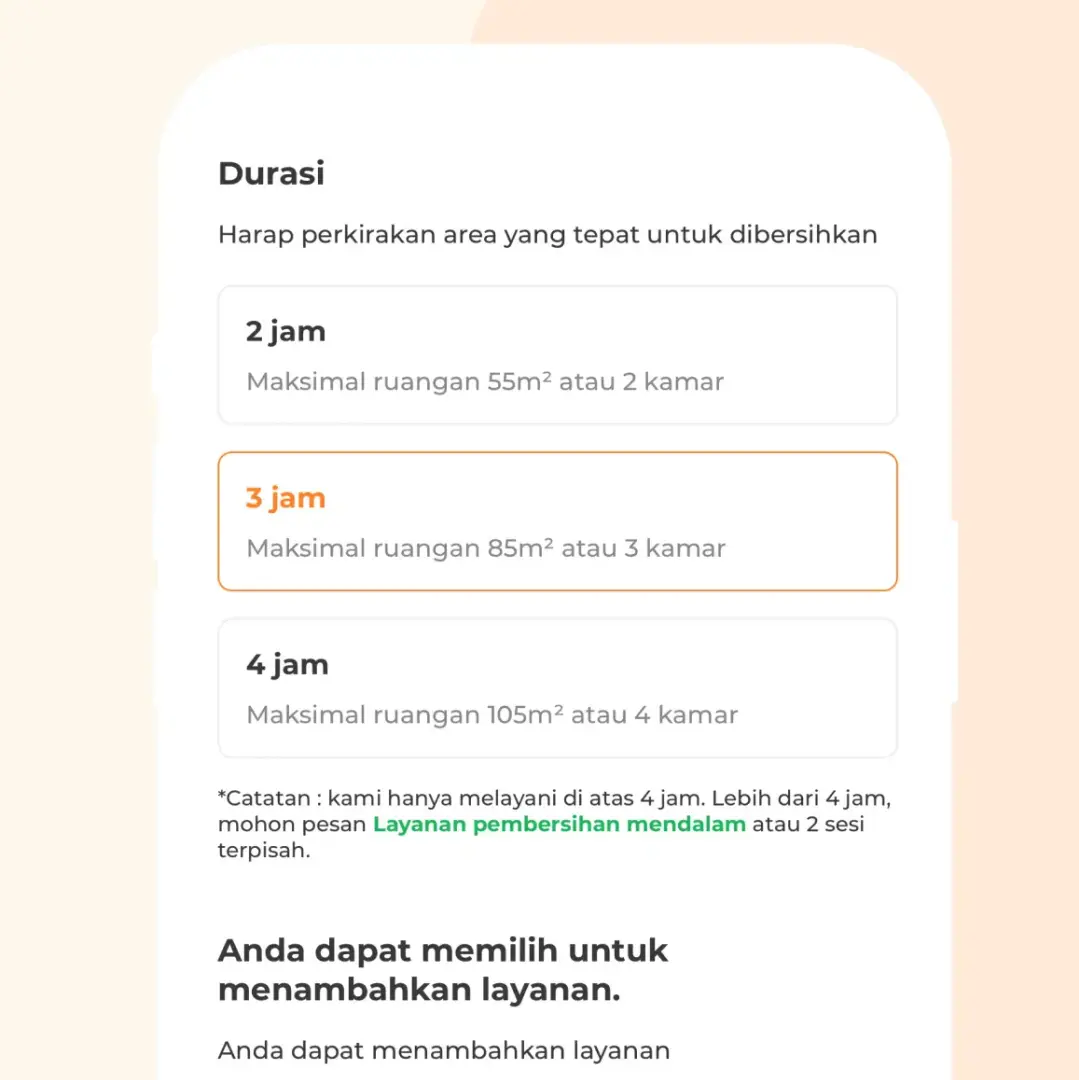
2h

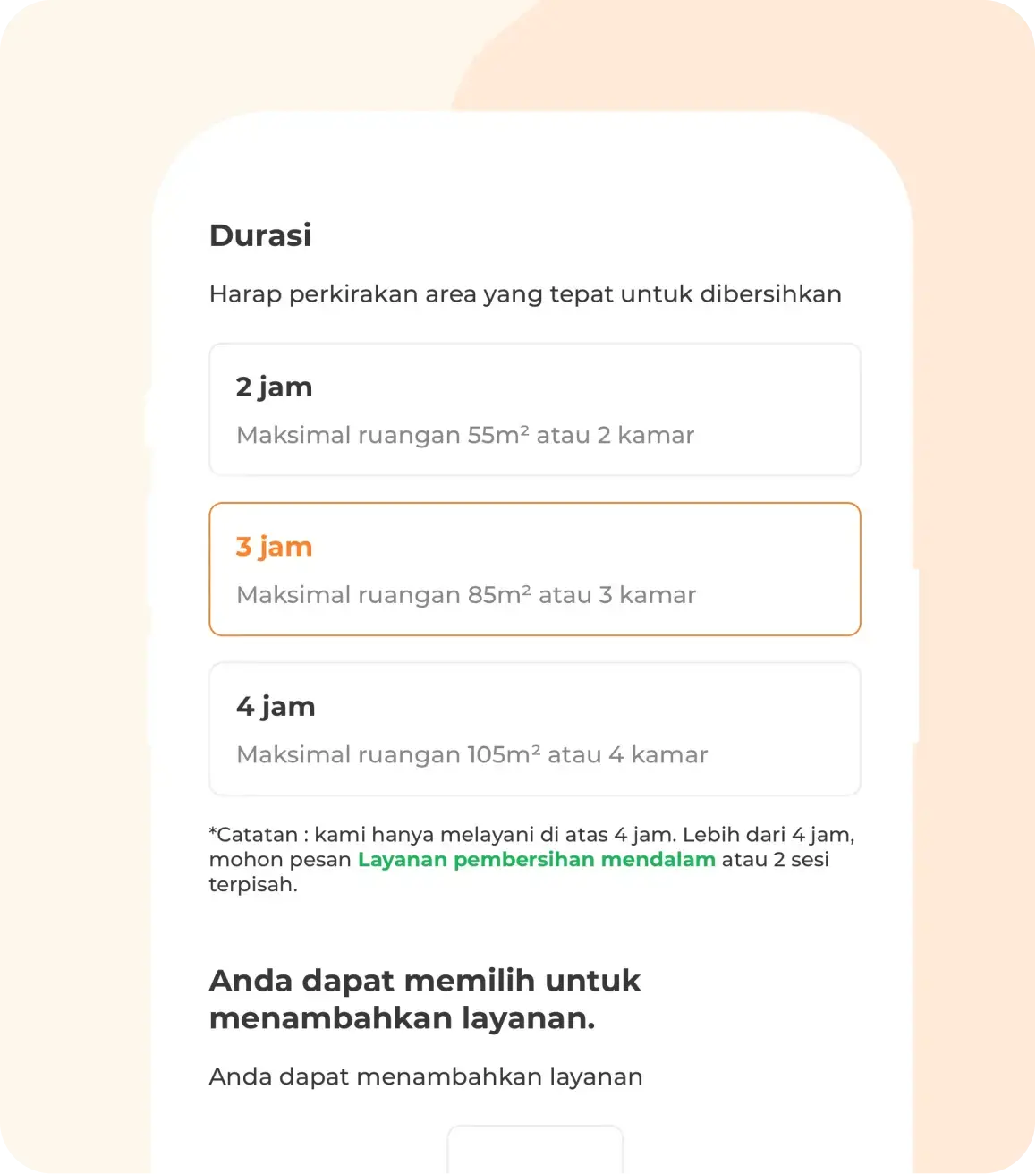
2 rooms - 55 m2
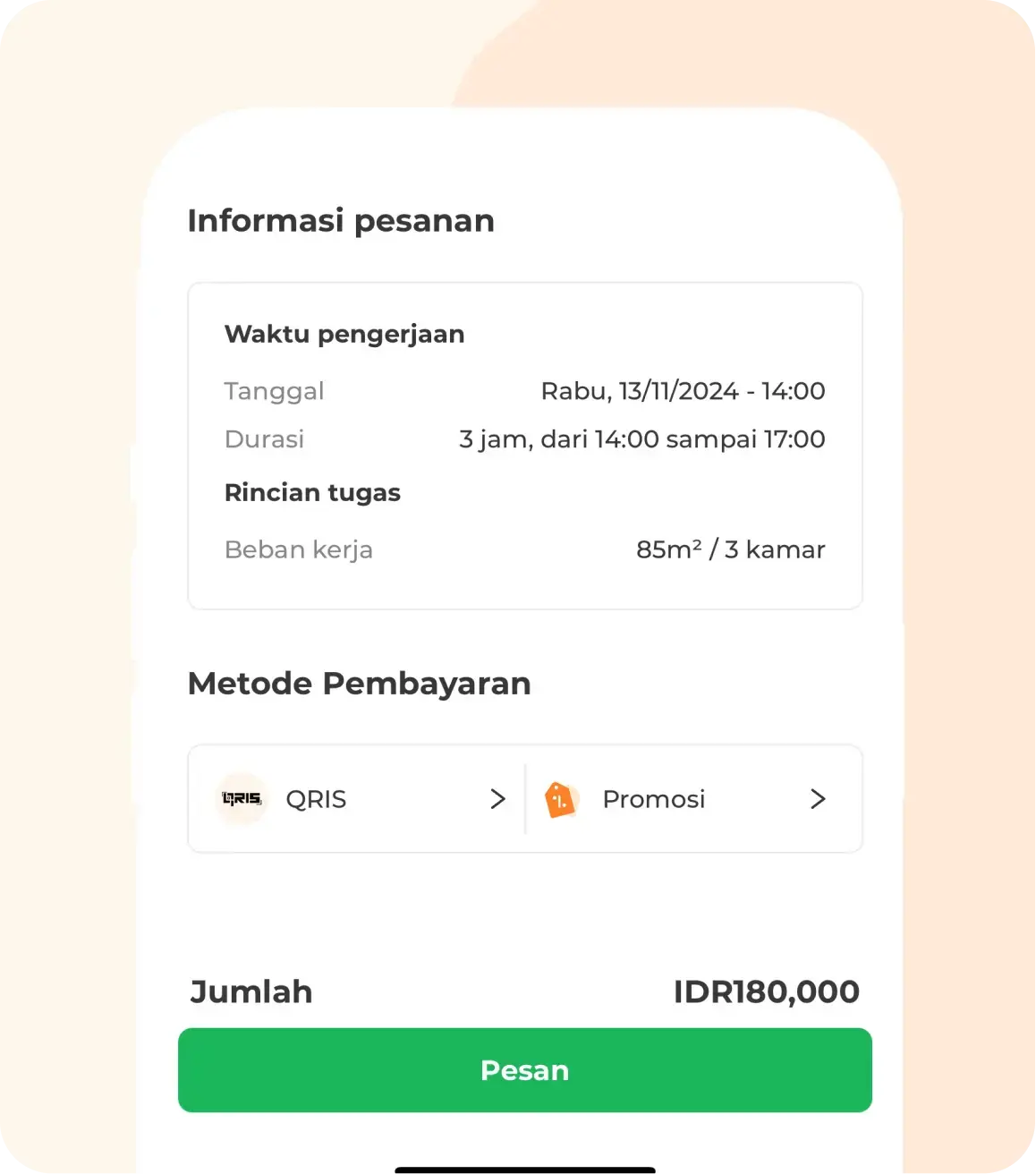
IDR180,000
3h
3 rooms - 85 m2
IDR228,000
4h
4 rooms - 105 m2

Note
- The maximum duration for regular cleaning services is 4 hours per session.
- For longer cleaning sessions or specific needs (such as post-renovation or flood cleanup), please use our Deep Cleaning service.
- If you’re interested in regular, scheduled cleaning services, you can choose our Monthly Cleaning service for a more convenient booking experience.
- The above service price list is for reference only at present and can be automatically adjusted depending on your area/location, peak hours, and holidays.
- There is a 15% surcharge for orders placed during the morning rush hour (7:00–9:00 a.m.) and the evening rush hour (8:00–10:00 p.m..
- An additional fee of 20% of the package price will apply if you select the Premium Services option.
- You can choose add-on options such as Ironing (1 hour) and Fridge Cleaning (1 hour), which are subject to an additional fee.
How to Book bTaskee's Home Cleaning Services
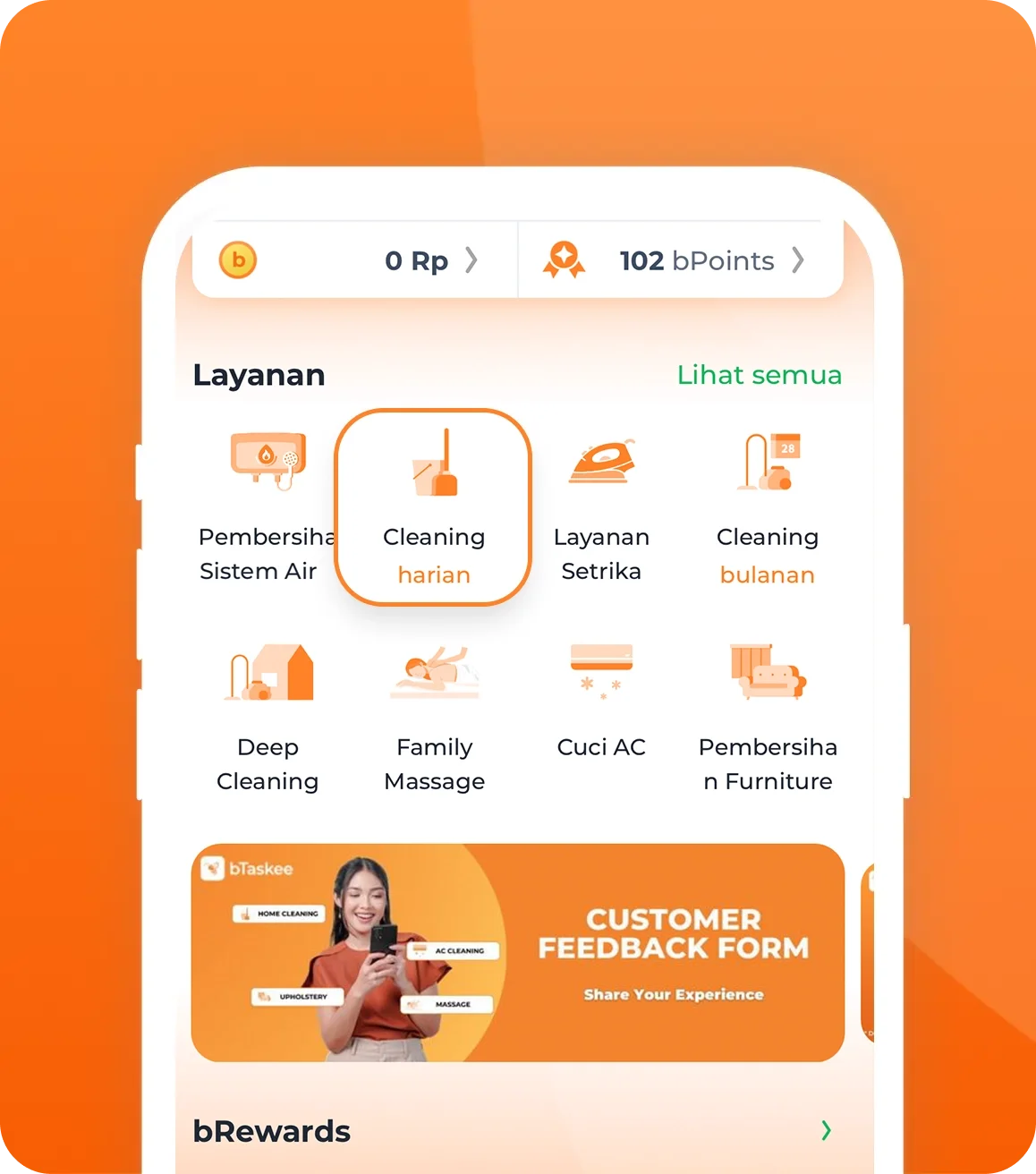
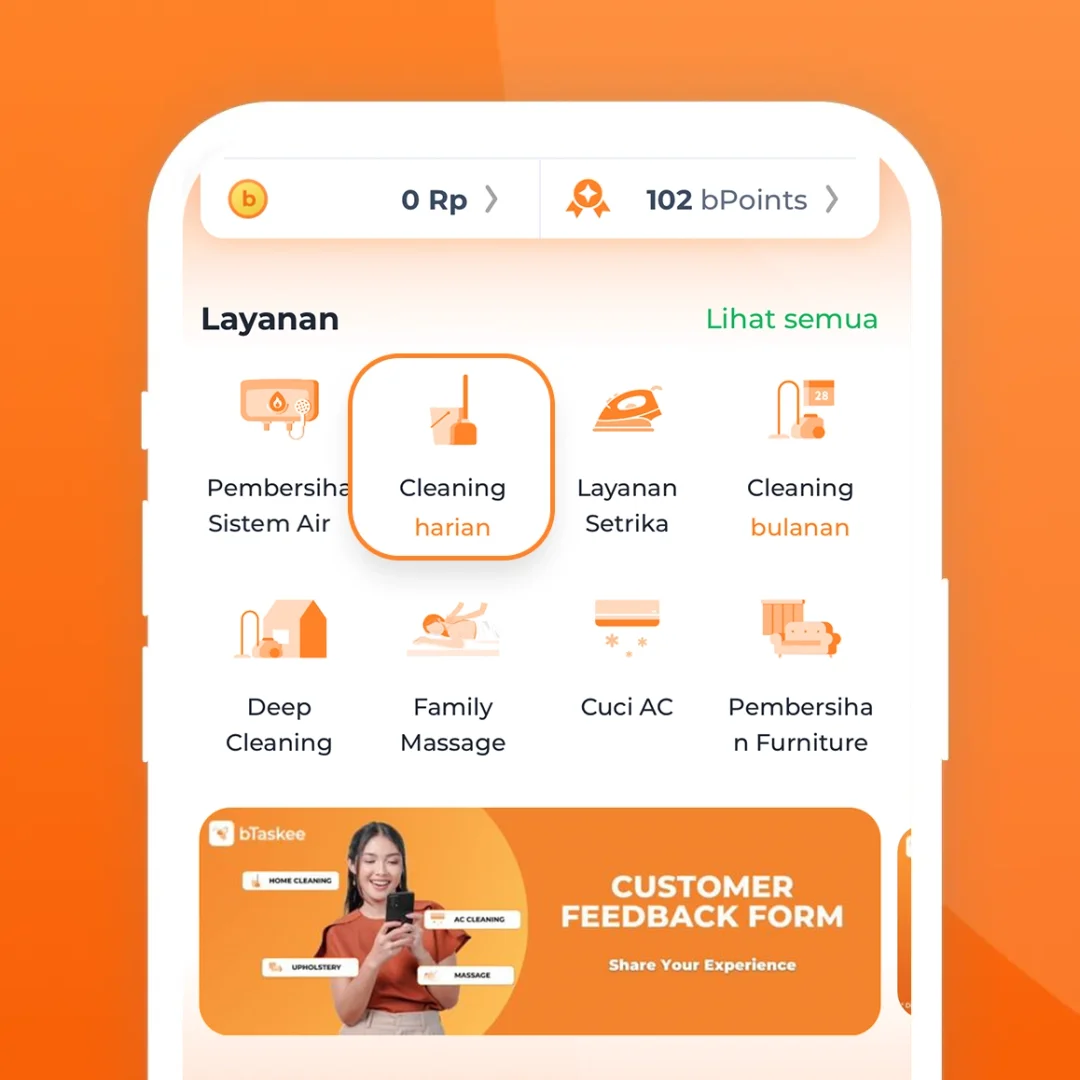
Select the service
Click the "Cleaning (On-Demand)" icon or the "Cleaning (Monthly)" icon (if you want a fixed monthly job).
Enter job details
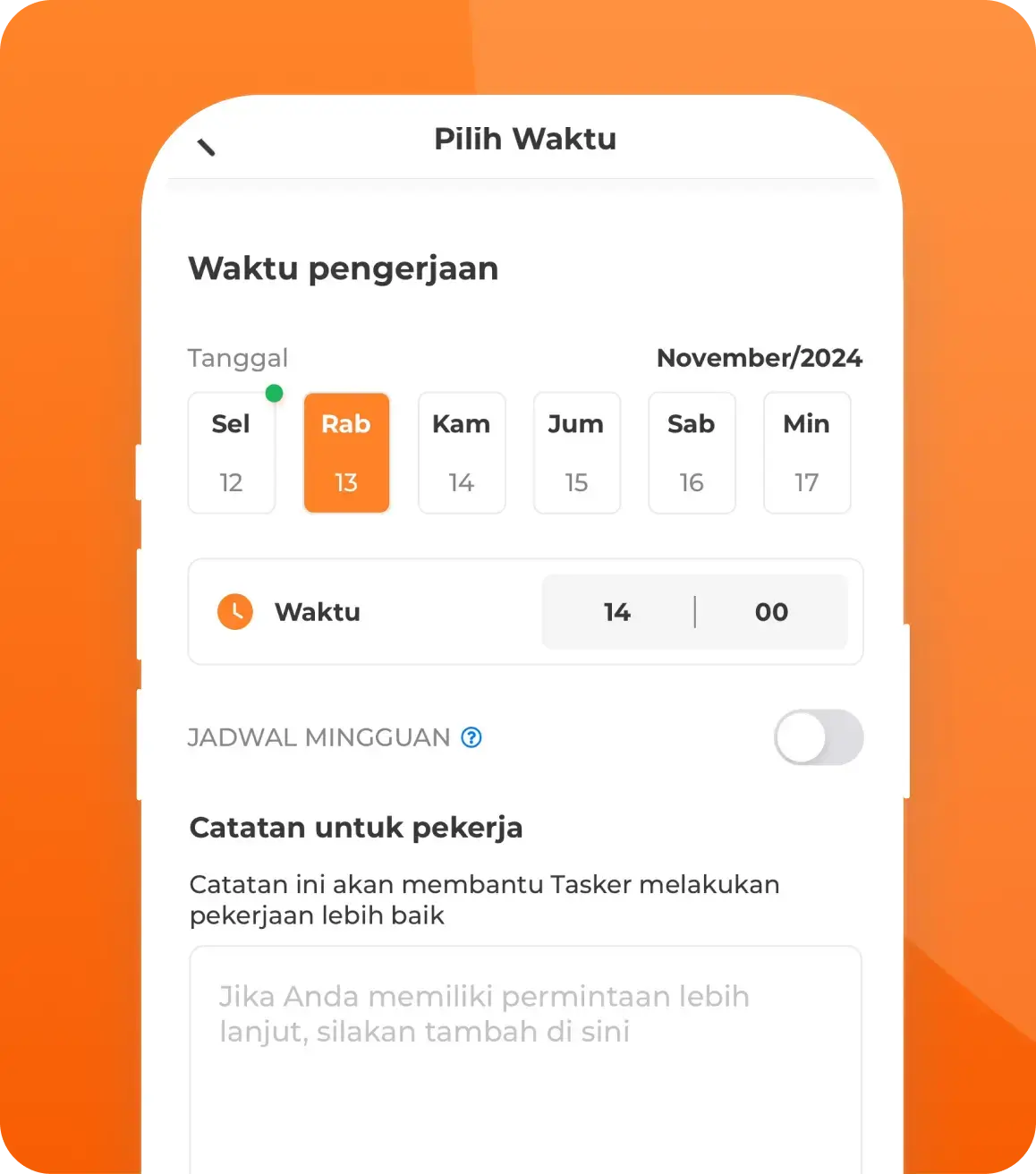
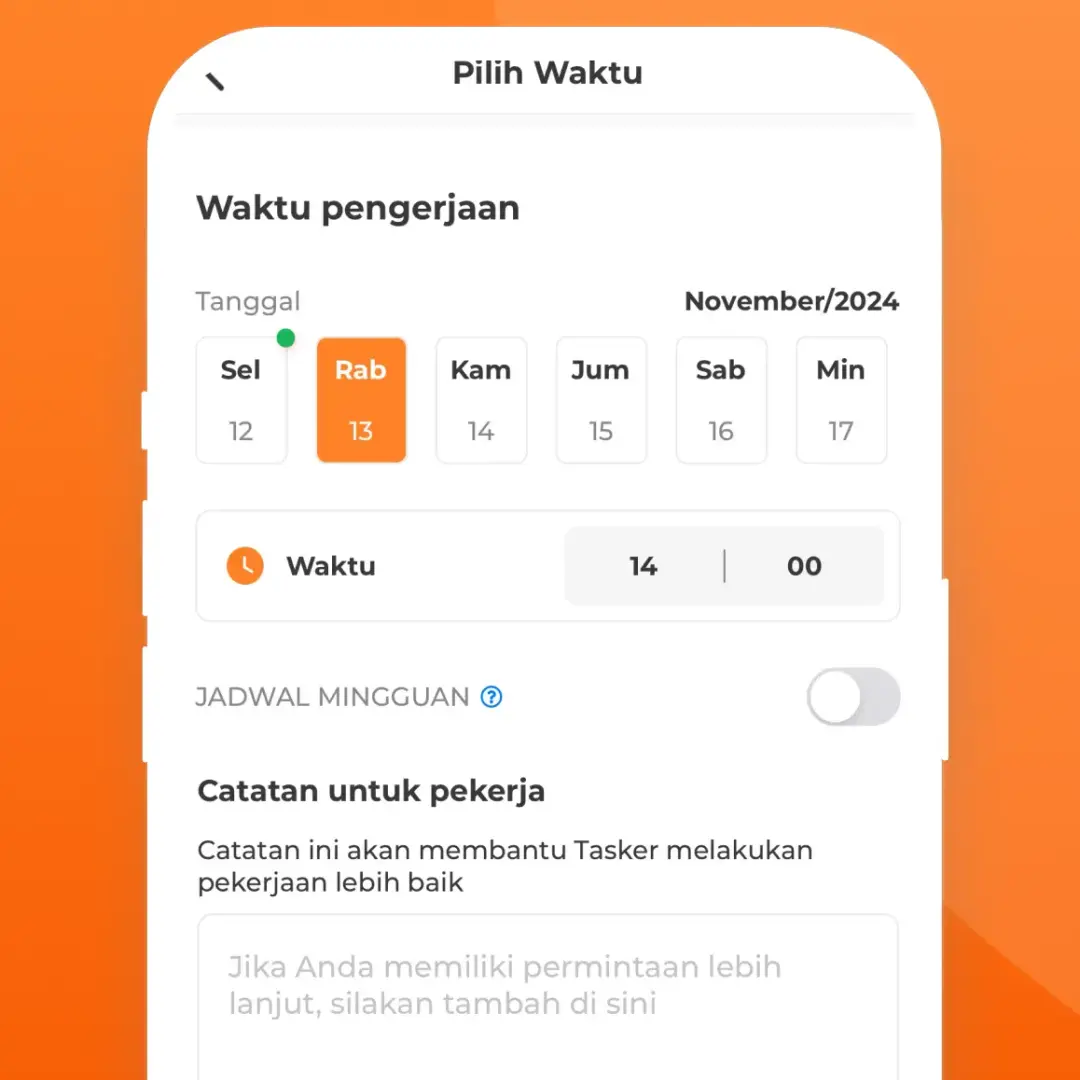
Select a time
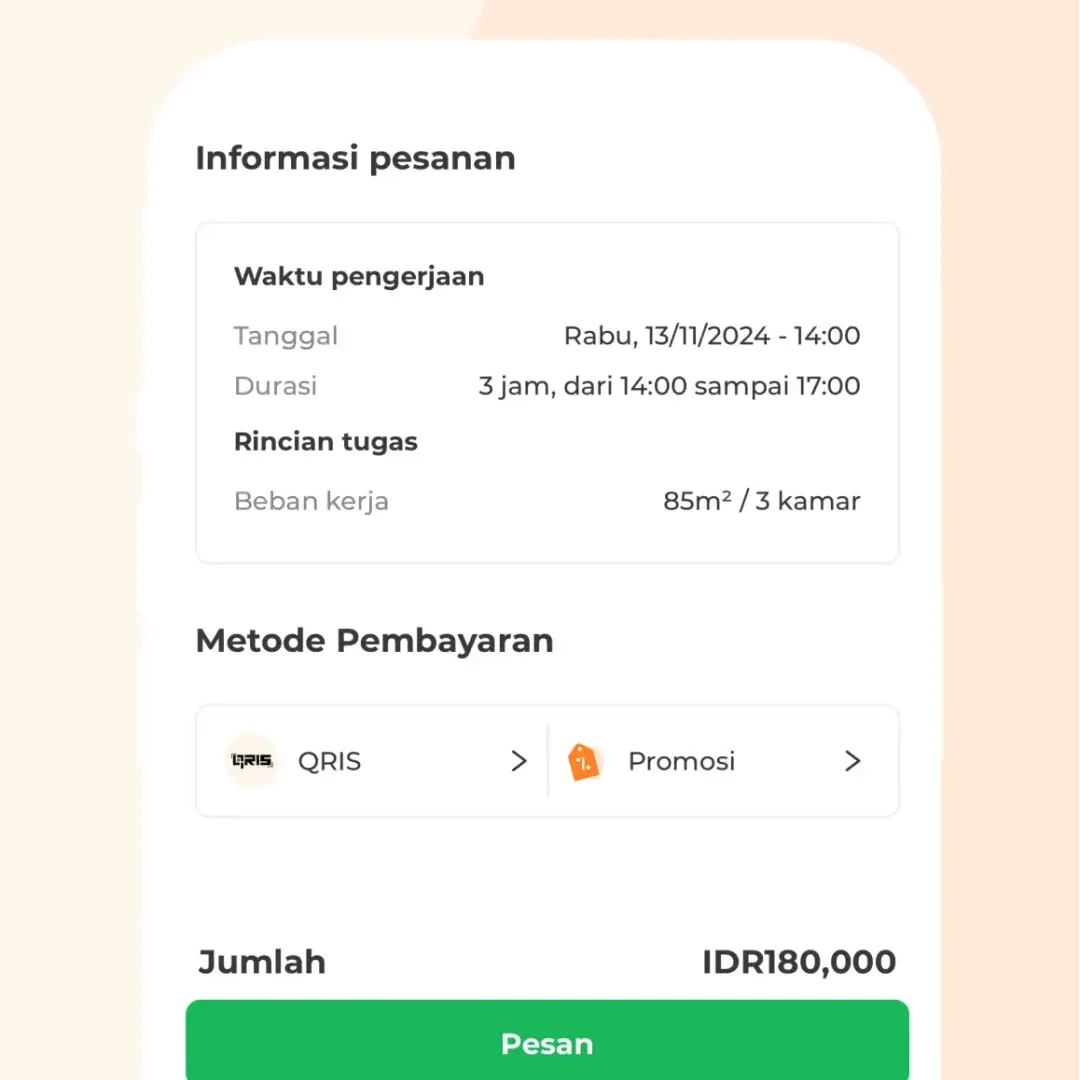
Confirm and pay
Book Our Home Cleaning Services Now!
Download the bTaskee app now to enjoy fast, easy, and professional home cleaning services.


Frequently Asked Questions (FAQs)

1. How can I check the quality of my assigned Tasker?
Once your booking is confirmed, you can view the Tasker's average star rating and reviews from previous customers directly on their profile in the app.
2. How do I verify the identity of the Tasker?
You can easily verify your Tasker's identity by checking their profile photo in the app or by scanning their official QR code upon arrival at your location.
3. What are the operating hours for bTaskee's Home Cleaning service?
4. Is the service available on public holidays?
Yes, we operate daily, including major public holidays. However, to ensure a Tasker is successfully assigned to your request, we highly recommend booking 1–2 days in advance. Please note that holiday bookings are subject to a holiday surcharge.
5. How can I contact my confirmed Tasker?
As soon as a Tasker accepts your booking, you can contact them directly via the free call or chat feature inside the bTaskee app.
6. Can I cancel a booking after it has been posted?
Yes, you can cancel your booking through the app. However, please limit cancellations to a maximum of 7 times within a 7-day period to maintain your account's credibility and rating.
7. What should I do if the Tasker cancels my booking?
We sincerely apologize for the inconvenience. If a Tasker cancels, our system will automatically repost your booking so that another available Tasker can accept it immediately.
8. What should I do if no Tasker accepts my booking?
This usually happens during periods of high demand (peak hours). Please wait a few moments while the system searches for nearby Taskers, or contact bTaskee Customer Support for immediate assistance.
9. What should I do if the booked duration is insufficient due to the size or condition of the area (overtime)?
Before starting the job, the Tasker will inspect the work area. If the actual workload exceeds your estimated booking hours, the Tasker will discuss two possible solutions with you:
- Option 1: The Tasker will complete only the amount of work that fits within your originally booked hours.
- Option 2: Extend the service hours. If you agree to add more hours to complete the job, the Tasker will contact our operations team to update the booking duration and adjust the final fee. Our Customer Support team will then update your booking details accordingly.
10. Can bTaskee’s Home Cleaning service be booked for apartments?
Of course. In addition to regular homes, our cleaning services are very flexible and can be tailored to meet the cleaning needs of apartments, whether they’re studios or multi-bedroom units.