
How to Book a House Cleaner on the bTaskee App in Malaysia (2026 Guide)
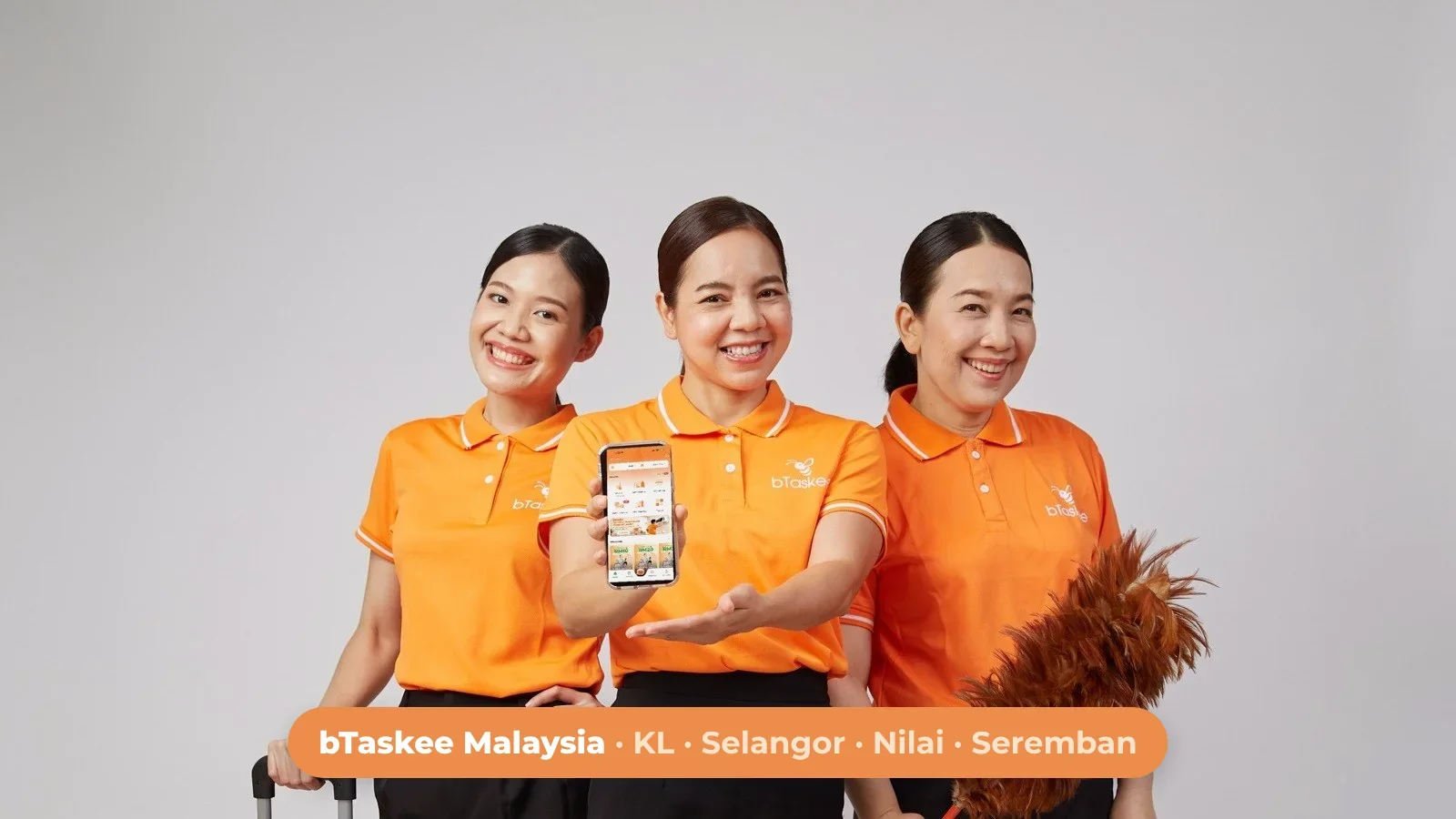
Prices in this guide are reference prices shown in the bTaskee app and may change by area, time and date.
To book a cleaner on bTaskee Malaysia, download the bTaskee app, choose a service such as Home Cleaning, enter your address and job details, pick a date and time, then confirm and pay. The whole booking takes about 30 seconds, and a verified Tasker accepts your job inside the app. This guide walks you through every step, shows the packages and prices for Kuala Lumpur, Selangor, Nilai and Seremban, and explains what to expect on the day.
What Is bTaskee Malaysia?
bTaskee is an on-demand home services app. The company was founded in Vietnam in 2016 and now operates in Thailand, Indonesia and Malaysia. bTaskee launched in Malaysia in July 2025 and currently serves Kuala Lumpur, Selangor, Nilai and Seremban.
With one app you can book hourly house cleaning, Premium cleaning, deep cleaning, aircond cleaning, sofa, mattress and curtain cleaning, and office cleaning. Every job is done by a Tasker: a cleaner whose identity and background have been verified by bTaskee and who has been trained in cleaning skills. You can see the Tasker's rating and reviews before they arrive, which is the main difference from hiring a freelancer you found on social media.
How to Book a Cleaner on bTaskee in 5 Steps
Download the bTaskee app and create an account.
Choose a service, for example Home Cleaning.
Enter your address and job details.
Pick the date, start time and duration.
Confirm, pay and wait for a Tasker to accept.
Step 1 – Download the bTaskee app and register
Search for "bTaskee" on the App Store or Google Play, or use the bTaskee download page. Open the app and create your account. You only need to do this once; your saved addresses and booking history stay in the app for next time.
Step 2 – Choose a service
The home screen lists every service available in your area. For regular tidying, tap Cleaning on-demand (Home Cleaning). If you want the same help every week, choose Package Home Cleaning, a fixed monthly plan. For a top-to-bottom clean before moving in, after renovation or before a festival, choose Deep Cleaning. Not sure which one fits? See what is included in Deep Cleaning.
Step 3 – Enter your address and job details
Add your address and the type of home. Use the notes field to tell the Tasker what matters most: the kitchen after a weekend of cooking, the bathroom, or a room you do not want touched. If you live in a condo, mention the block and unit number and register the Tasker with your guardhouse so they are not delayed at the gate. Let the Tasker know if you have pets.
Step 4 – Pick the date, time and duration
bTaskee works every day from 6:00 am to 10:00 pm. Choose a duration that suits your home:
2 hours: about 55 m² or 2 rooms
3 hours: about 85 m² or 3 rooms
4 hours: about 105 m² or 4 rooms
These sizes are estimates. You can adjust the working hours when you create the booking. Prices can be higher on weekends, on public holidays and at peak hours (before 8:00 am and after 5:00 pm). During busy periods such as Deepavali and the school holidays, book 2–3 days ahead.
Step 5 – Confirm, pay and track your Tasker
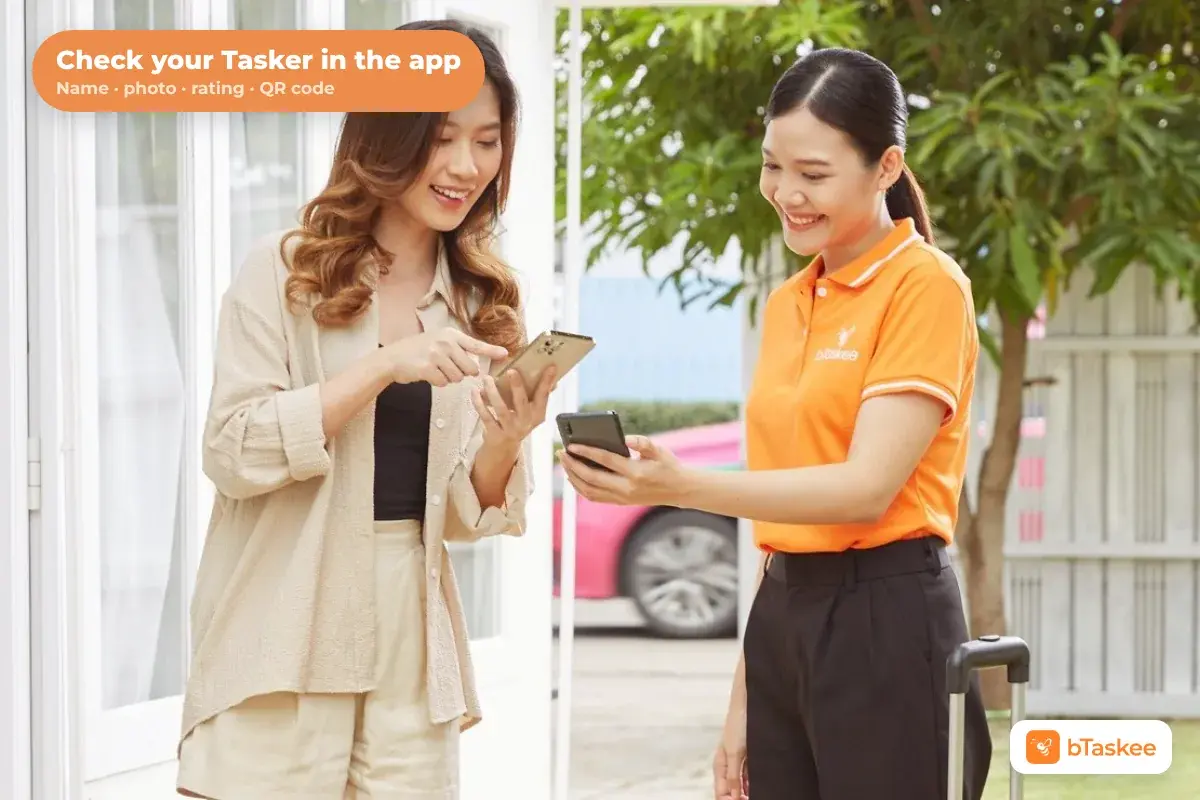
Check the summary, confirm and pay in the app. Once a Tasker accepts your job, you can see their profile photo, average star rating and past reviews. The Tasker will contact you before the job, and you can call or chat with them inside the app. When they arrive, check that their face matches the profile photo or scan their QR code.
If you liked your Tasker, you can choose them again next time. Choosing a preferred Tasker costs RM8 per booking, or is free with Package Home Cleaning.

Which bTaskee Service Should You Choose?
| Service | Team | Duration | Price from | Best for |
| Home Cleaning | 1 Tasker | 2 hours | RM79 | 2 rooms, about 55 m² |
| Home Cleaning | 1 Tasker | 3 hours | RM99 | 3 rooms, about 85 m² |
| Home Cleaning | 1 Tasker | 4 hours | RM125 | 4 rooms, about 105 m² |
| Premium Cleaning | 1 Tasker | By the hour | RM42/hour | When you want a vacuum cleaner included |
| Deep Cleaning | 2–4 Taskers | 3–8 hours | RM270 | Whole-home clean, move-in, festive season |
| Aircond Cleaning | 1 technician | Per unit | RM144 | Wall-mounted unit below 2HP |
Reference prices from the bTaskee app, October 2026. See the full hourly house cleaning prices in Kuala Lumpur.
Home Cleaning includes dusting and wiping reachable surfaces, wiping switches and handles, taking out the rubbish, and sweeping and mopping the floor, plus the kitchen, bathroom and bedrooms. Basic tools are included: broom, mop, cloths and cleaning supplies. A vacuum cleaner is only included with Premium Cleaning or Deep Cleaning.
How bTaskee Verifies Its Taskers
Letting someone into your home is a matter of trust, so bTaskee checks every Tasker before they can take a job:
Identity and background check: bTaskee verifies each house cleaner directly.
Training: Taskers are trained in cleaning skills before working.
Ratings and reviews: after a Tasker accepts, you can see their average star rating and reviews from past customers.
Identity at the door: you can match the Tasker to their profile photo or scan their QR code.
Support: you can reach bTaskee through the hotline, live chat or support.my@btaskee.com.
Want to hear from other customers? Read our bTaskee review.
Tips for When You Book a Cleaner for the First Time
Choose enough time. If you are unsure, book 3 hours for a 3-room home. You can always book less next time.
Write your priorities in the notes. A Tasker can do more in the time you pay for when they know where to start.
Pick the right service for vacuuming. If you have carpets or a lot of dust, choose Premium Cleaning or Deep Cleaning, which include a vacuum.
Put away valuables and documents before the Tasker arrives.
Rate your Tasker after the job. Ratings keep quality high and help you rebook the same person.
FAQ
Can I choose the same Tasker again?
Yes. You can pick a preferred Tasker when you book. It costs RM8 per booking, or it is free if you are on Package Home Cleaning.
Can I book a cleaner on public holidays?
Yes. bTaskee runs every day, including Malaysian public holidays and festive seasons. Book 2–3 days ahead during peak periods, and expect prices to be higher on public holidays.
Which areas does bTaskee cover in Malaysia?
bTaskee currently serves Kuala Lumpur, Selangor, Nilai and Seremban. Prices can vary slightly by area.
Do I need to provide cleaning tools?
No. Basic tools and cleaning supplies are included. A vacuum cleaner is only included with Premium Cleaning or Deep Cleaning.
How long does it take to book?
About 30 seconds. Most of the time goes into choosing the date and writing your notes.
Book Your First Clean Today
Booking a house cleaner no longer means calling agencies or waiting for quotes. When you book a cleaner on bTaskee, you choose the service, see the price before you pay and get a verified Tasker at your door. Download the bTaskee app and book your first cleaning, or see more about our Home Cleaning service.
Share this post!